Profiles
The Image Converter offers you the opportunity to save and reload frequently used settings. On this page we have compiled a selection of different profiles and color filters, which you can download for free. If you put the files in the application folder of the Image Converter, you can find the corresponding profiles in the menu "Configuration". The other possibility is to open the profiles directly with the program (Settings > Shortcuts to Files and Folders). Then you can open the file and the Image Converter directly opens in the appropriate setting. If you are missing some profiles, please write us. We are happy to complete the list.
Download Color Profiles
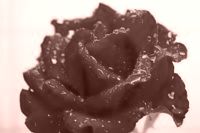 Sepia
Sepia
Download this Color Profile
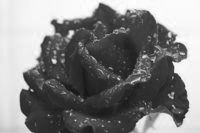 Black and White
Download this Color Profile
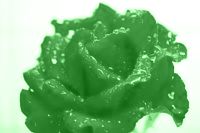 Green Colorization
Download this Color Profile
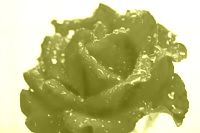 Yellow Colorization
Download this Color Profile
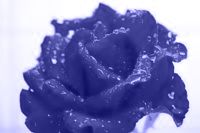 Blue Colorization
Download this Color Profile
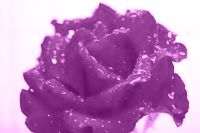 Pink Colorization
Download this Color Profile
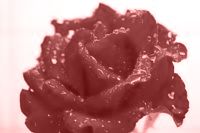 Red Colorization
Download this Color Profile
Create your own Profiles
It is very easy to create own profiles with the Image Converter. Just go to the menu "Configuration > Save Profile" and another window opens, where you can configure all your settings. In this window, you can select what settings will be saved (for example size, color settings and so on). After that, you can click on "Save Profile" and your profile will be saved. When you load the profile again, only the selected settings will be loaded and all other settings of the Image Converter like the size of the areas or the window state will not be adjusted (if you want to save all settings, please use the function "Configuration > Save Configuration").
The sample image with the rose is from Oliver Behr (© Oliver Behr, Pixelio).